Compose and preview an edition
An edition is what customers actually buy and read. A named bundle of the capsules in a project, in the order they should appear. One project can have several editions (a standard release plus a deluxe, an exclusive variant, a reissue) that share a capsule library and publish as Shopify variants of the same product. For background, see About digital editions.
1. Create the edition
From the project page's Editions card click Create edition, give it a title, and add an optional description. Description is private. It's just for your team.
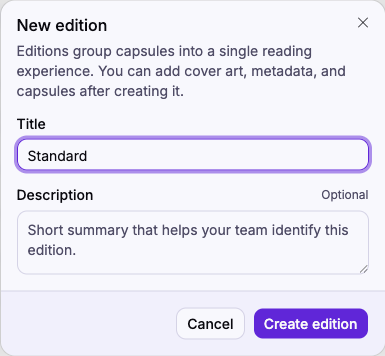
Click Create edition to open the edition page.
2. Add cover art and metadata
The edition has its own cover and its own metadata, separate from the project's. Click the cover tile to pick or upload an image. This becomes the variant's image in Shopify. Use Add field to attach metadata to the edition.
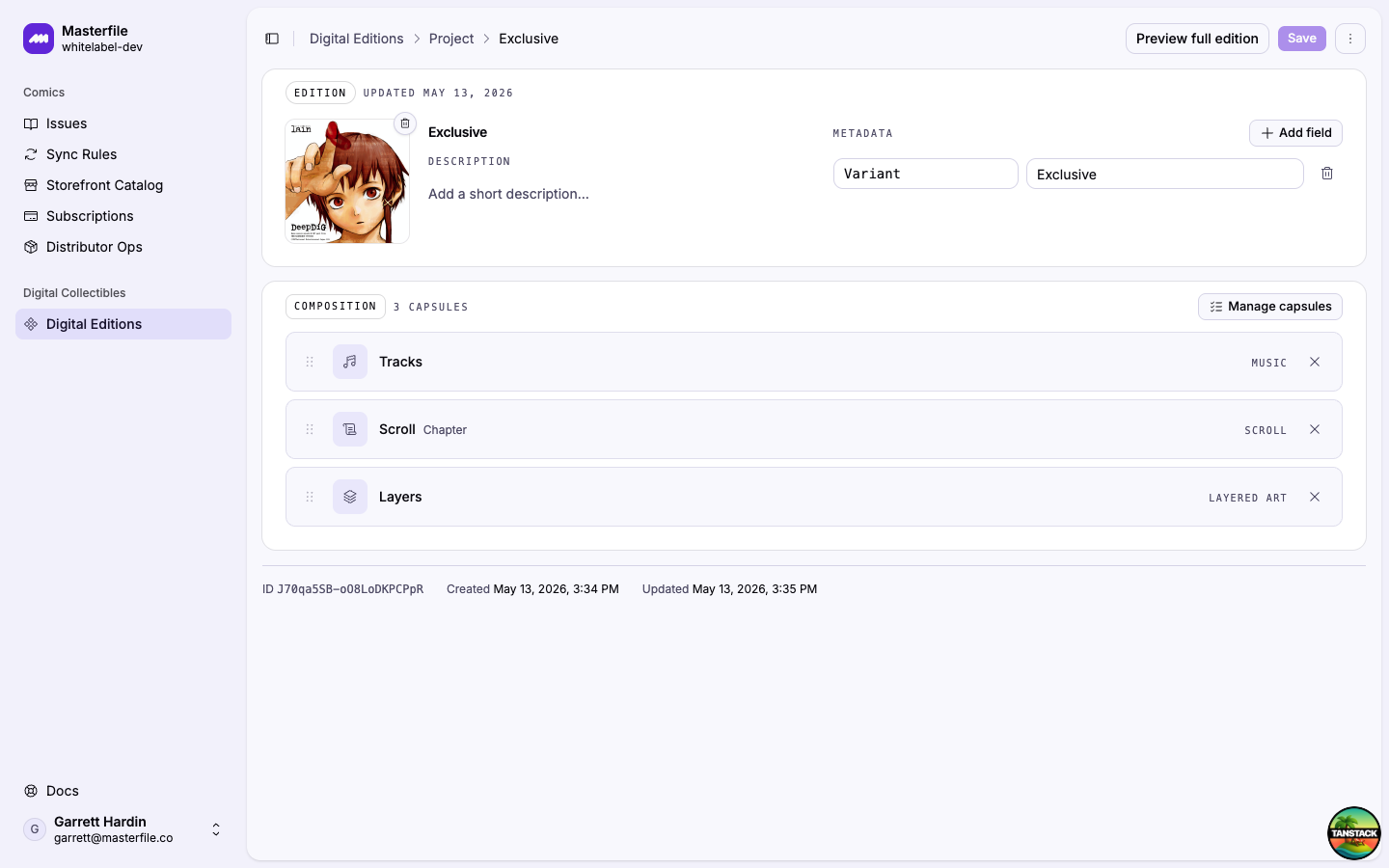
3. Add capsules to the composition
In the Composition card click Add capsules (or Manage capsules if some are already in). The picker lists every capsule in the project; toggle the ones to include and Apply.
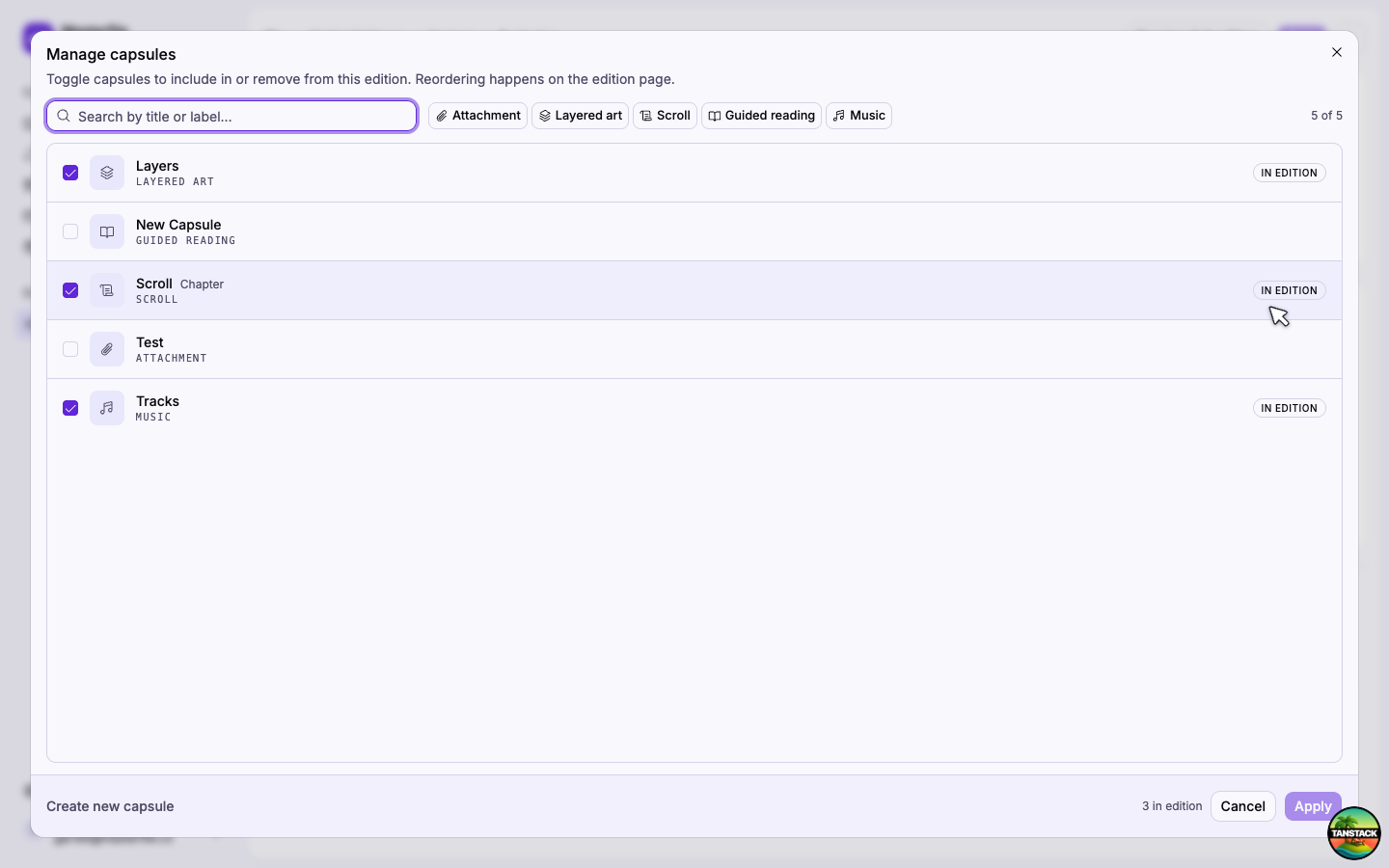
The picker is the only place to add or remove capsules. It doesn't reorder them. Once they're in the composition list, drag the handle on any row to set the order customers see them in.
The bottom-left Create new capsule link is a shortcut into the capsule create flow without leaving this page.
4. Save
Click Save in the page header. Both the edition metadata and the composition order save in one step; the Unsaved marker in the Composition header clears once it's written.
5. Preview the whole edition
Click Preview full edition in the page header to launch the viewer exactly as a customer will see it. Each capsule appears as a tab in the bottom bar. Switch between them to step through the reading experience end-to-end.
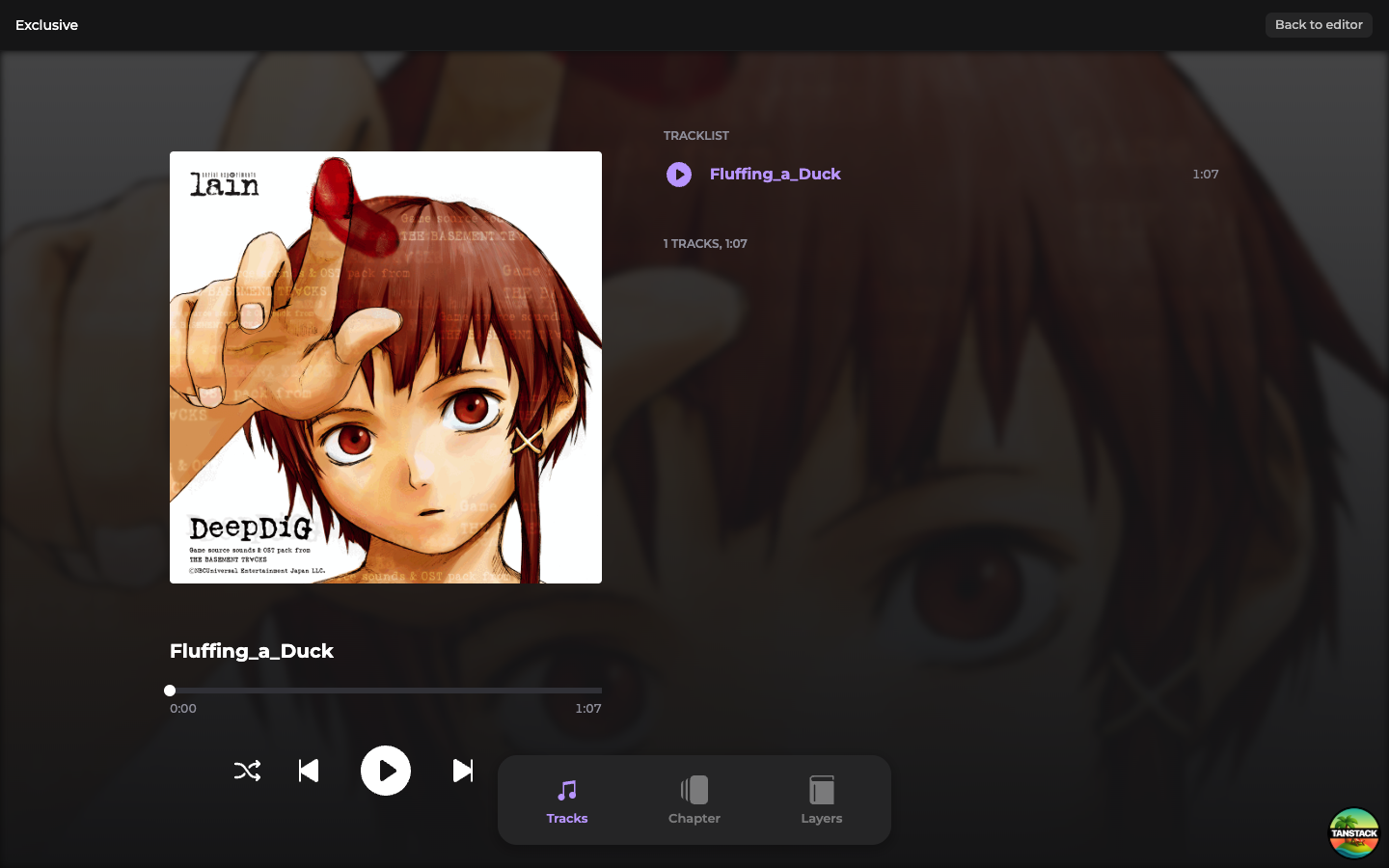
This preview reflects the saved state. Anything still showing as Unsaved in the edition page isn't included yet.
Next steps
When the editions in this project look right, publish to push them to Shopify as variants of the project's product: Publish a digital editions project.