Pin the Masterfile admin blocks
Masterfile ships two Shopify admin blocks — COMET Product Fields and COMET Variant Fields — that surface synced comic data on the product and variant detail pages in your Shopify admin. Pinning is a one-time, shop-wide setting. After you pin, the blocks show up on every Masterfile-synced product without further action.
About COMET
COMET is the ComicsPRO-published metadata standard for the comic book industry — series, issue number, age rating, credits, FOC and on-sale dates, and so on. Product sync writes COMET metafields onto every issue it creates; the admin blocks are the read/edit surface for that data inside Shopify admin.
Pin the product block
Open any product Masterfile has synced into your store. Scroll to the Blocks section near the bottom of the page. You'll see COMET Product Fields suggested above the + Block button.
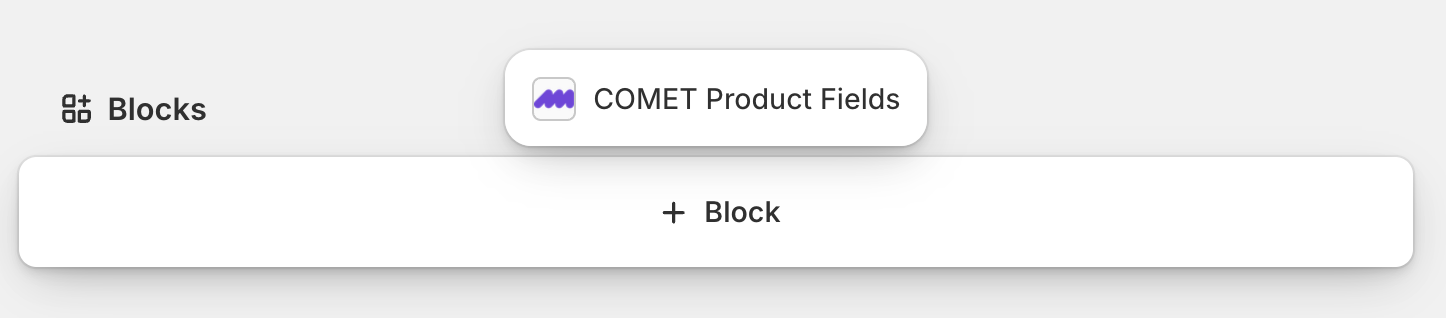
Click it to add the block, then click the pin icon in the block's top-right corner. The block now shows series, issue number, distributor, age rating, credits, and other product-level COMET fields on every product.
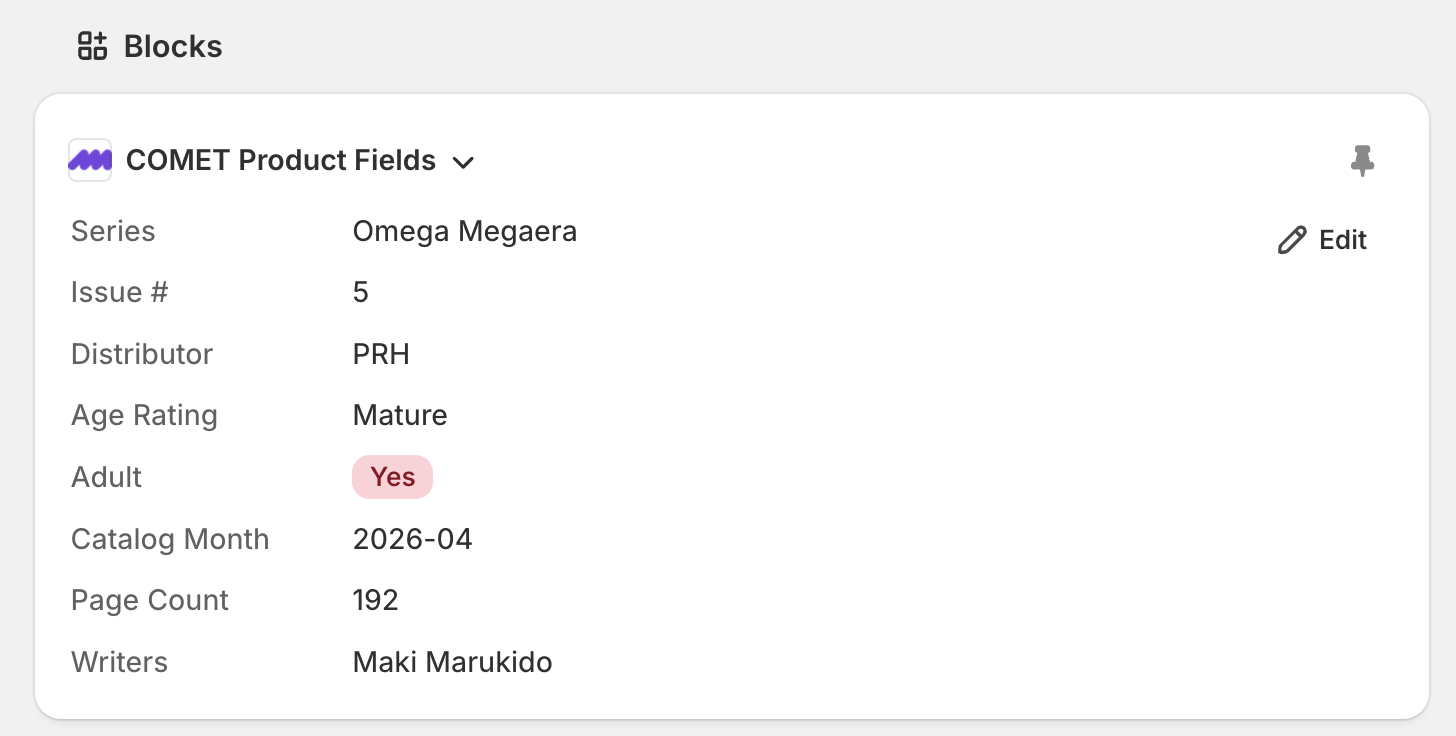
Pin the variant block
On the same product, open any variant. Repeat the process — add COMET Variant Fields from the Blocks section and pin it. Variant-level COMET fields are the per-cover specifics: on-sale date, FOC date, item ID.
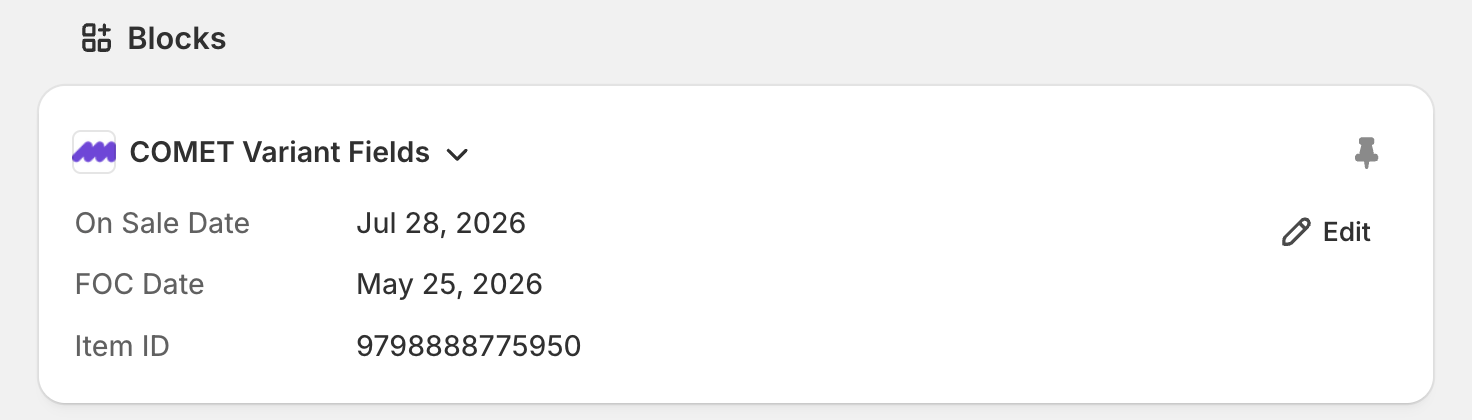
What happens next
That's all — both blocks now appear on every product and variant in your store. The Edit button on either block opens a modal for correcting wrong data; see Edit comic metafields for when and how to use it.