Help a customer access their digital edition
Customers reach their editions through their Shopify customer account, not through any link you send them. There's no "send to customer" button on your side. Direct them through the steps below.
The path
Tell the customer to:
- Sign in to their Shopify account on your store, using the same email they checked out with.
- Open Digital Editions from the account menu.
- Click the card for the edition they want to open.
The viewer opens in the same browser. Their session is good for 24 hours; after that, they're sent through the same flow to get a fresh session.
What's on the Digital Editions page
A grid of cards, one per edition they've ever bought from your store. Each card shows the cover, project title, edition title, and the date they got it. Cards open the viewer directly.
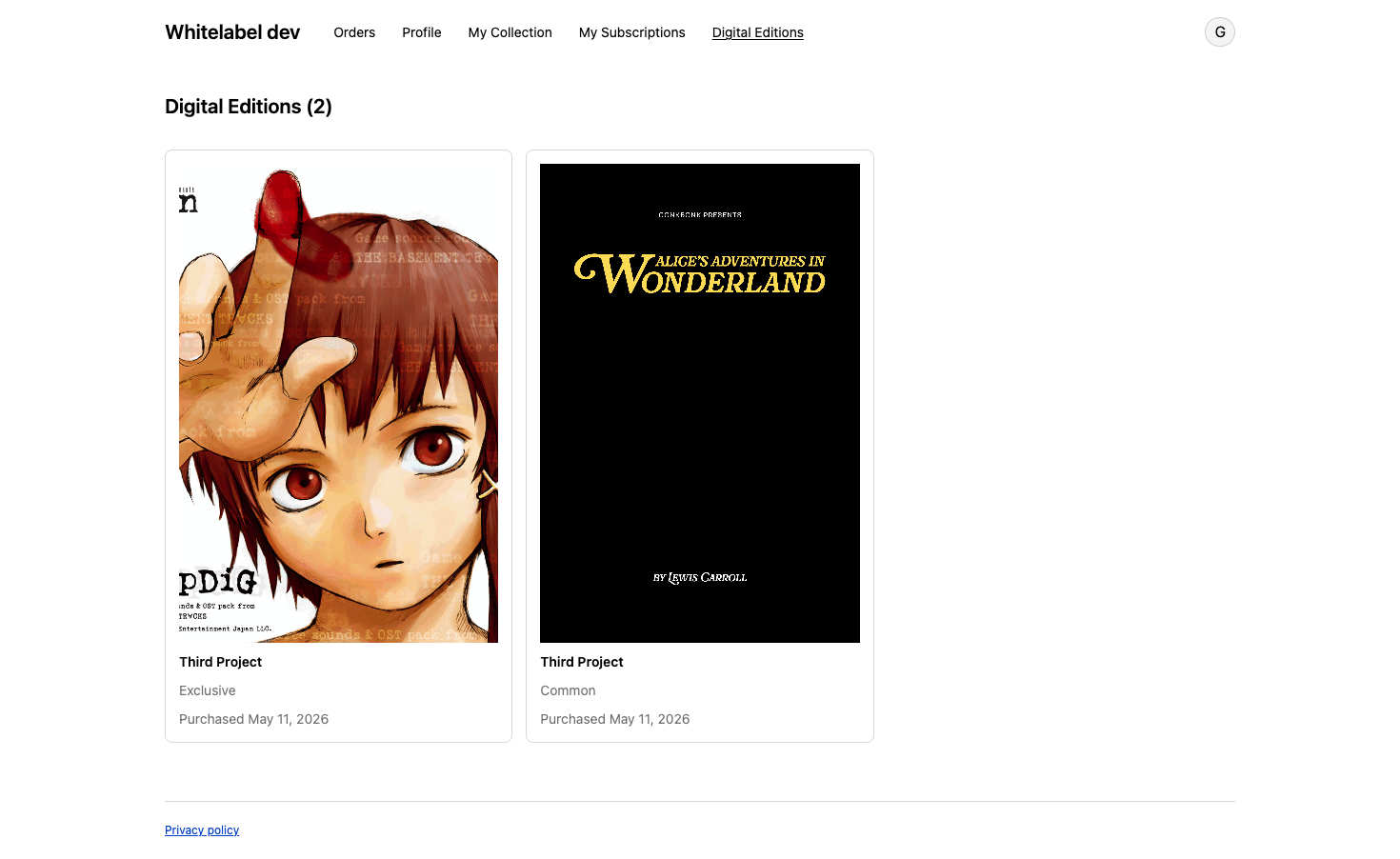
The page only appears in the account menu if the Digital Editions block has been added to the customer-account theme. See Enable Shopify customer account pages. If the block is missing, see Digital Editions block is missing from customer accounts.
When the edition isn't there
If the customer signed in but doesn't see the edition card, the most common causes are:
- They're signed in with a different email than they checked out with. Have them confirm the order email and sign in with that account.
- The order hasn't been paid yet. Entitlements grant on payment, not at checkout. Most storefront orders capture payment immediately, but a manual or pending order won't grant access until it's paid. Refresh once the order status shows paid.
- The project was unpublished after they bought it. Republish from the project page. See Publish a digital editions project.
For anything else, see Customer can't open an edition they bought.
What you can do from your side
You can't open the viewer for them. Entitlements are tied to their Shopify customer record, and only they can sign in to use one. What you can do is confirm the entitlement was granted. Open the order in Shopify and check the digital edition line item: if it's marked fulfilled, Masterfile granted the entitlement (auto-fulfilling the line is the last step of that flow). If it's still unfulfilled even though the order is paid, something went wrong on our side.
Still stuck
If the order is paid but the digital edition line item is still unfulfilled
— email support@masterfile.co with the customer's email, the order number, the project title, and the line item's fulfillment status. Include what you've already checked.See About digital edition entitlements for how entitlements are created and what they grant.